With recent enhancements to Scan2CAD, the conversion and image preparation process has become more simplified and offers significant accuracy improvements. Let’s take a look at a few recent improvements, namely; Auto-clean, Enhanced OCR, and Wall Recognition.
Auto-clean
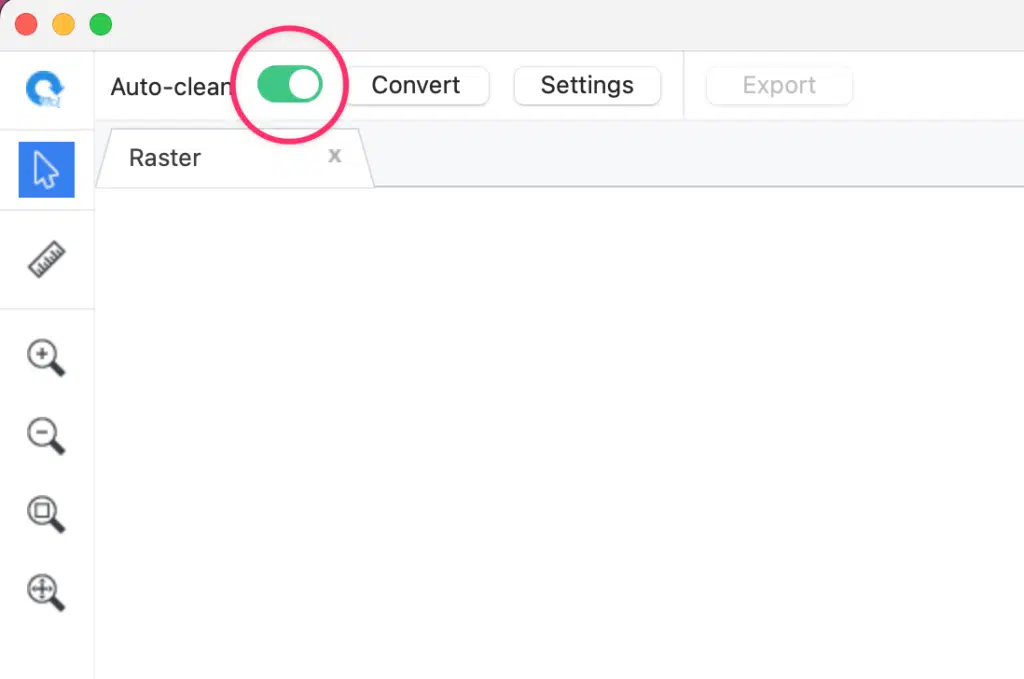
Preparing an image for conversion is an integral part of the conversion process.You may have noticed the new Auto-clean toggle above the Scan2CAD canvas. When enabled, Auto-clean automatically cleans your raster image by removing common problematic attributes and generating an image that’s more suitable for conversion.
It’s important to note that Auto-clean won’t be ideal for every image. It’s designed to apply the most appropriate cleaning steps to the majority of images, but there will be scenarios where its automated adjustments may not produce optimal results.
In those cases, simply disable the Auto-clean toggle and manually clean the image using the tools found under the menu; ‘Edit‘ > ‘Clean Raster Image‘.
Enhanced OCR
Scan2CAD includes OCR (optical character recognition) to convert text from both raster and vector images into fully editable CAD text strings. With the introduction of Enhanced OCR, you can now expect significantly improved conversion results compared to Standard OCR.
Enhanced OCR not only delivers higher text-recognition accuracy, but it also greatly improves geometry conversion—such as lines, arcs, and arrow lines—in drawings that contain both text and geometry. By reducing false positives, Enhanced OCR helps prevent geometry from being misinterpreted as text, and vice versa.
Wall Recognition
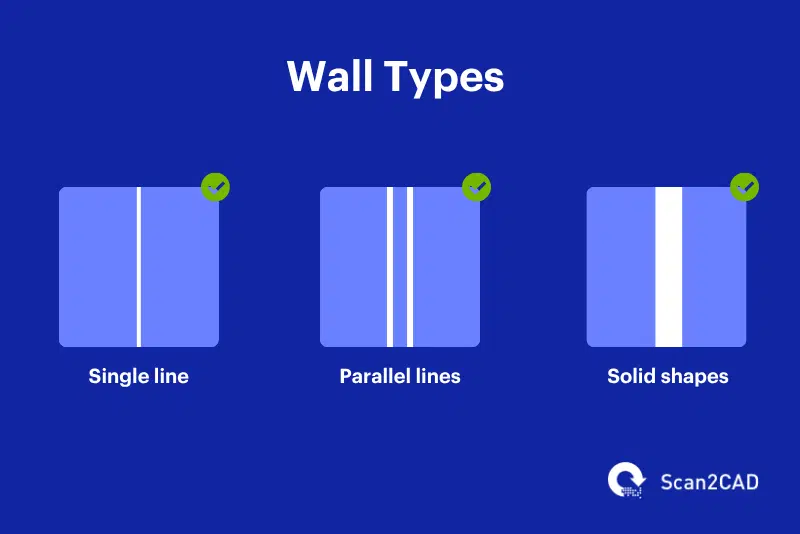
Architectural floor plans can represent walls in various ways—using single lines, double parallel lines, or solid blocks.
Scan2CAD has always supported the recognition of single-line and parallel-line walls.
With the latest update, we’ve added support for solid-block wall recognition through the Architectural + Walls vectorization preset. If your drawing includes solid walls, you can now choose whether to convert them into solid-fill polygons or outline polygons, depending on your workflow needs.
Real world benefits
These new features—Auto-clean, Enhanced OCR, and expanded Wall Recognition—were designed to simplify your workflow and help you achieve more accurate, dependable CAD conversions. Whether you’re simple plans or highly complex technical drawings, Scan2CAD offers even more tools to ensure high-quality results with greater efficiency. If you haven’t explored these updates yet, now is the perfect time to give them a try.