What are you converting?

Accurate conversion software used by leading companies






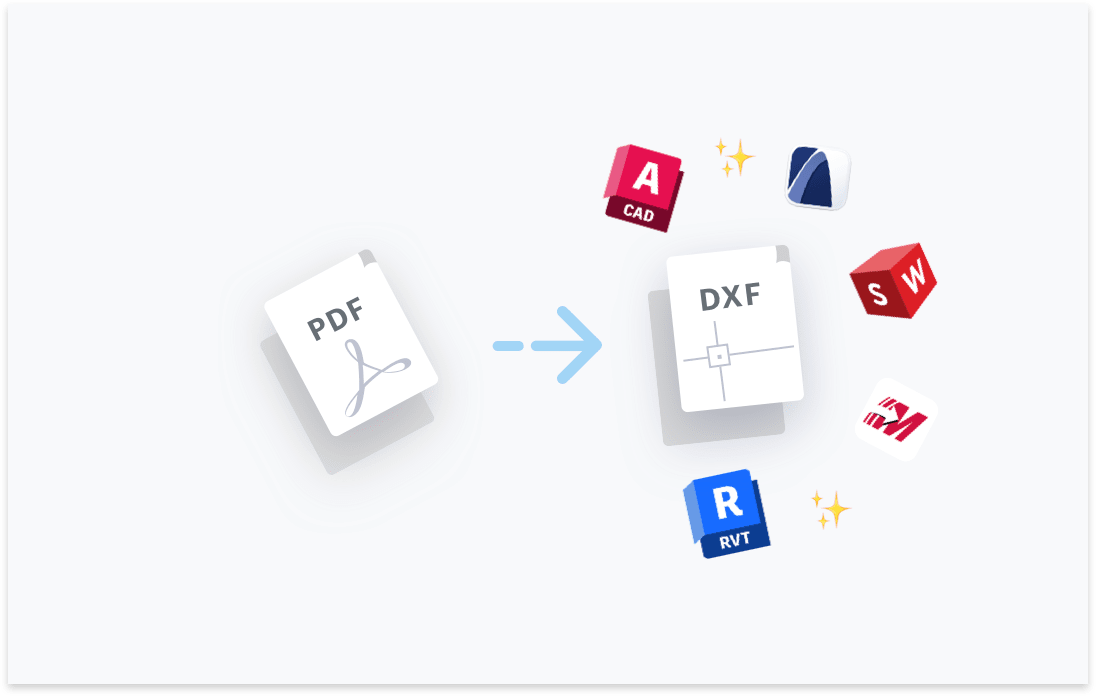
Transform your PDF files to DXF. Try free with Scan2CAD's free trial. Convert text and images in your PDF to fully editable DXF files, compatible with any CAD software.




Convert text in your images to text objects. Editable in your CAD software.

Layers in your PDF, DWG, DXF files will be maintained.
Elements in your image will be converted to their CAD object equivalent.

Ensure your converted DXF and DWG are perfectly to-scale.

“Scan2CAD offers a great way to speed up the process of converting raster images into vector images. The text recognition feature is quite powerful even managed to recognize some handwritten text! Even when I fed it deliberately awkward images, it produces some impressive results”
Rose Barfield - Bricsys / BricsCAD


You may use Scan2CAD, professional-grade conversion software available on Windows and macOS, which lets you convert raster and vector PDFs to DXF file format. AutoCAD and Adobe Illustrator, which are also available on both Windows and macOS, also enable you to convert PDF files to DXF.
A PDF file can store both raster and vector data, while a DXF file is designed primarily to store vector data. Additionally, the PDF file can contain multimedia content such as audio and video, while DXF files cannot.
A scanned or image-based PDF is a raster PDF and contains images that are made up of pixels. You can use Scan2CAD to convert a raster PDF to an editable DXF file. You may, however, need to clean up the image using Scan2CAD’s built-in cleaning tools. These tools enhance the quality of the image, resulting in the best possible DXF file.
There are plenty of free online PDF-to-DXF converters. But we recommend using Scan2CAD or professional-grade desktop conversion applications because they give you control over the conversion process and your data and offer advanced conversion and image-cleaning capabilities. For its part, Scan2CAD is available for free during a 14-day trial period.
Scan2CAD’s Batch Convert feature lets you convert tens or even hundreds of PDF files to DXF files at once, provided they are saved in the same ‘input’ folder. The feature lets you tweak the raster cleaning and vectorization settings within a single dialog box, with these settings then applying to all the files. This Batch Convert feature is available to subscribers to the Scan2CAD Business package.
Yes, both Adobe and AutoCAD let you convert PDF files to DXF. However, they may not be as effective at converting raster PDF files as dedicated professional-grade conversion software like Scan2CAD. For its part, Scan2CAD ships with image-cleaning tools that improve the quality of the raster image and, by extension, the conversion.
A vector PDF uses mathematical equations to define the lines and curves in the drawings. The quality of the image in the vector PDF does not change when you zoom in because this only changes the variables in the equations, leading to a recalculation to produce a new, scaled-up image. This is not the case with a raster PDF, as the quality, which depends on the number of pixels, may diminish when you zoom in.
A low-quality raster image within the PDF affects the accuracy and quality of the output; such a file normally requires plenty of touch-ups before and after conversion, making the entire process slow. Additionally, PDFs can contain both raster and vector graphics, a factor that should be taken into consideration during conversion, as these graphics should be dealt with separately.
PDF-to-DXF conversions are accurate when you are dealing with vector PDFs. On their part, raster PDFs tend to introduce inaccuracies, especially if the quality of the scanned image is low or if you use a converter that does not let you clean the image before or after the conversion. We recommend using Scan2CAD to achieve the best possible results. Scan2CAD can extract both raster and vector data from your PDF file, ensuring the converted DXF file contains all the information that was originally stored in the PDF file.
You should use desktop conversion software instead of online conversion tools. This is because online PDF to DXF converters have several limitations. Not only do they force you to surrender control over the data stored in your PDF files, but they also limit the level of control you have over the conversion process. Online converters may not be as effective at converting raster PDFs as desktop applications and may have a file size limit for conversion. The online converters also struggle to detect and convert raster text into editable vector text strings; this is not the case with a desktop application such as Scan2CAD.
Download Scan2CAD to convert your PDF files to DXF
Scan2CAD is copyright and a registered trademark of Avia Systems.
Headquartered in Worcester, United Kingdom. Registered in England & Wales, company no. 7557200.
More information: Legal Security Minimum Requirements