What are you converting?

Accurate conversion software used by leading companies






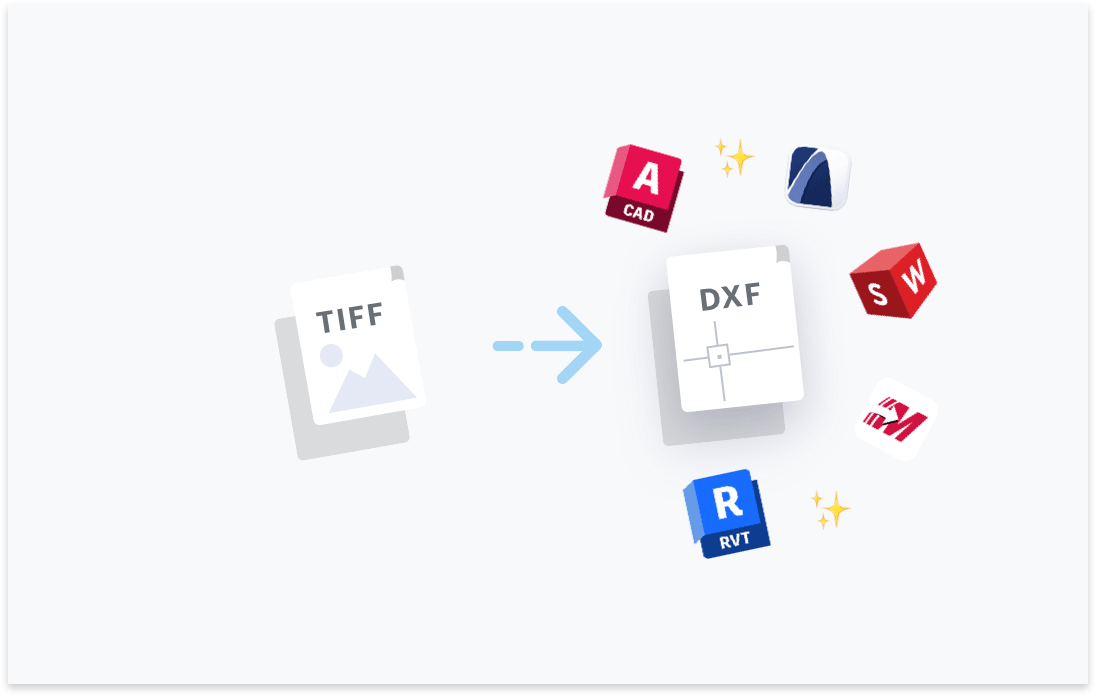
Transform your TIFF files to DXF. Try free with Scan2CAD's free trial. Convert text and images in your TIFF to fully editable DXF files, compatible with any CAD software.




Convert text in your images to text objects. Editable in your CAD software.

Layers in your PDF, DWG, DXF files will be maintained.

Elements in your image will be converted to their CAD object equivalent.

Ensure your converted DXF and DWG are perfectly to-scale.

“Scan2CAD offers a great way to speed up the process of converting raster images into vector images. The text recognition feature is quite powerful even managed to recognize some handwritten text! Even when I fed it deliberately awkward images, it produces some impressive results”
Rose Barfield - Bricsys / BricsCAD


To convert raster images (e.g. TIFF) to a vector CAD format (e.g. DXF) you will need a raster-to-vector conversion application which specialises in CAD conversions. This CAD conversion software will convert the lines, objects and text in your architectural image to editable CAD objects.
Scan2CAD is raster-to-vector conversion software which will convert your scanned TIFF images to accurate CAD drawings, in DXF format, which you may edit in your CAD software of choice.
Yes! Scan2CAD is the professional-grade CAD conversion solution for converting TIFF images (and all other common file formats) to CAD drawings.
Scan2CAD offers both macOS and Windows applications. The applications should be downloaded and installed on your computer. A Scan2CAD subscription enables you to convert an unlimited number of files to DXF.
Professional-grade CAD conversion software, such as Scan2CAD, aims to be 100% accurate to your original image. Therefore the accuracy of the end result is ususally dependent on the quality of your raster image.
If you have a good quality scan of an architectural drawing in lossless-TIFF format, you can expect a highly accurate conversion.
If you have a poor quality image, for example an image distorted due to heavy image compression, this may increase the time required to edit the file after conversion.
Luckily, Scan2CAD offers tools to clean low quality images prior to conversion, reducing the possibility of requiring manual editing post-conversion.
When converting a multi-page file to DXF, each page is effectively a seperate canvas. This is because DXF files are not multi-page.
Each page of your TIFF or PDF file will be converted into an individual DXF file. If your file contains layers all layers will be preserved in the conversion process.
You may edit your layers in your CAD application of choice, including AutoCAD.
As with all conversion processes, the quality of the input data has an affect on the quality of the final output.
Scan2CAD, being a professional-grade converter considers the fact not all input files may be perfect quality.
Scan2CAD has developed raster image cleaning tools to prepare your TIFF image for conversion. Increasing the overall conversion accuracy across a broad range of TIFF resolutions.
Yes, with Scan2CAD all the elements of your TIFF image will be converted to DXF. If your image contains title blocks and annotations, they will be converted to fully editable CAD objects with text strings.
You will have the ability to edit your title blocks and annotations in your CAD application.
Scan2CAD’s aim is to reduce the amount of manual editing required post-conversion.
We focus on saving our customers’ time and budget by removing the need for manual tracing or outsourcing. This includes a deep focus on conversion accuracy. The more accurate the conversion the less a requirement for manual editing.
If you have a good quality TIFF image, the level of manual editing post-conversion can be minimal to none.
If you have a poor quality TIFF image, there may be some manual editing required. However, the automatic conversion should still save a huge amount of time compared to manual tracing from scratch.
Yes, the DXF file created from a converted TIFF image will be should be suitable for any and all common requirements. This includes all use-cases in AEC, and more much.
The fact that the source data has come from a TIFF file has no bearing on the applicability for how you may use the CAD file.
DXF files created by Scan2CAD’s conversions are fully compatible with all applications which support DXF or DWG files. Including Revit (and all AutoDesk products), ArchiCAD, Vectorworks and any other common CAD application.
For those who wish to confirm compatibility with their CAD software, they may download the Scan2CAD free trial for Windows or macOS. The free trial enables users to fully test the software’s accuracy and compatibility before committing to purchasing.
Yes, Scan2CAD offers two methods to convert a high-volume of TIFF images to DXF in a single process.
Scan2CAD’s Batch Conversion is an in-app interface enabling the user to select a folder input and output and perform a simple conversion on all files within the chosen input folder.
If users wish to control their conversions at a more granular level, they may opt for Scan2CAD’s automation feature. This feature gives users the ability to automate any feature of the software with a simple scripting language.
Download Scan2CAD to convert your TIFF files to DXF
Scan2CAD is copyright and a registered trademark of Avia Systems.
Headquartered in Worcester, United Kingdom. Registered in England & Wales, company no. 7557200.
More information: Legal Security Minimum Requirements