What are you converting?

Accurate conversion software used by leading companies






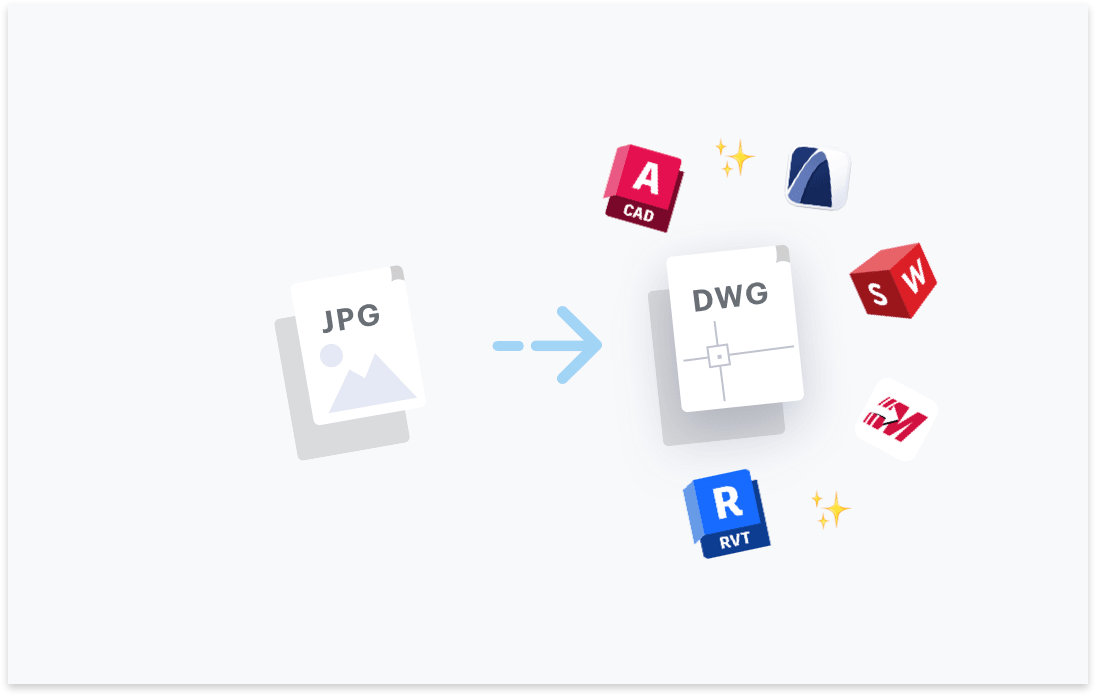
Transform your JPG files to DWG. Try free with Scan2CAD's free trial. Convert text and images in your JPG to fully editable DWG files, compatible with any CAD software.




Convert text in your images to text objects. Editable in your CAD software.

Layers in your PDF, DWG, DXF files will be maintained.
Elements in your image will be converted to their CAD object equivalent.

Ensure your converted DXF and DWG are perfectly to-scale.

“Scan2CAD offers a great way to speed up the process of converting raster images into vector images. The text recognition feature is quite powerful even managed to recognize some handwritten text! Even when I fed it deliberately awkward images, it produces some impressive results”
Rose Barfield - Bricsys / BricsCAD


You may use professional-grade conversion software such as Scan2CAD to convert your JPG images of sketches to DWG.
Scan2CAD will convert the elements of your JPG to a fully-editable CAD file with all line-work and text in the sketch converted to proper CAD objects.
However, photographs are much different to a scanned sketch. A photograph of a site is not suitable to be converted to CAD if it does not contain the lines, text or other objects which are common in typical 2D CAD drawings.
Yes, that’s precisely what Scan2CAD is for. Scan2CAD will convert your JPG images of floorplans to a vector DWG drawing.
You will export the DWG from Scan2CAD and import into any CAD application that supports DWG files. This includes AutoDesk products and almost all other CAD software.
Scan2CAD is trained to convert raster JPG images of floorplans accurately. Most conversions take no-longer than 5 seconds. Saving a huge amount of time compared to manual tracing or outsourcing drafting tasks.
In practice, there is no difference when converting any raster image (e.g. JPG, TIFF, PNG etc.) in Scan2CAD. You will open the image in Scan2CAD and convert to your CAD format of choice, such as DWG.
Hidden to the user, Scan2CAD does perform more work on JPG images which may be heavily compressed compared to lossless raster image formats. Scan2CAD may need to perform additional automatic cleaning tasks on the image to bring the JPG image quality to the same as a lossless raster image format.
Yes, Scan2CAD supports the conversion of JPG to DWG. When exporting your DWG file from Scan2CAD you may choose to save elements of your drawing to assigned layers in your DWG.
The software offers the ability to automatically create layers based on either the type of CAD object (e.g. lines, arcs, text etc.) or the vector colors.
Bear in mind that a JPG file itself does not contain any layer data whatsoever. Therefore if you wish to create layers automatically, then this is only possible by basing layers on the converted CAD objects.
Furthermore, users may choose to manually create, name or assign layers after conversion.
Thankfully you may use CAD conversion software to automatically and accurately convert your JPG images to DWG without the need to manually trace an image.
It’s important that you select professional-grade conversion software (i.e. Scan2CAD) for the task because lower quality CAD conversion software may be less accurate and require a significant amount of manual tracing post-conversion.
There is no file preparation required when converting your JPG to DWG. The conversion software itself will automatically prepare the image for conversion. If your JPG file is heavily compressed causing image distortion, the automatic preparation may take slightly longer than comparatively clean images.
Scan2CAD uses object-recognition to convert the lines, arcs, circles, dash-lines and other common elements to their respective CAD objects. Furthermore Scan2CAD’s OCR will convert the text in your image to CAD text strings.
The line recognition accuracy will match the quality of your original image. Good quality JPG images will be converted to the desired outcome. Bear in mind that if your JPG image is severely distorted you may need to spend more time cleaning the image prior to or post-conversion.
You may freely test Scan2CAD’s conversion accuracy with the free trial.
In practice, the conversion process for the user of the conversion software is identical. But comparing the conversion quality of a raster image (e.g. JPG) to the conversion of a vector PDF is akin to comparing apples to oranges.
The quality of the conversion cannot be easily compared since they are two vastly different data sources. And it’s certainly true that converting JPG to DWG is much more complex ‘under the hood’.
When converting a vector PDF to DWG, you are performing a vector-to-vector conversion. This means you are not reliant on the possible degradation of raster images and you’re simply converting one vector file format (PDF) to another (DWG).
When converting a JPG to DWG, it may seem like a similar process but it’s actually worlds apart. You are reliant on highly intricate raster-to-vector object recognition and OCR to accurately convert your image to DWG.
Yes! Scan2CAD allows you to scale your converted DWG file using either the DPI or the original image or by using a measurement reference in the drawing.
In both cases your CAD file will have your chosen scaling and this will be fully supported by AutoCAD or any other CAD application which supports DWG files.
Scan2CAD is the leading professional-grade CAD conversion software. Scan2CAD is available on both Windows and macOS.
Unlike many other conversion solutions, Scan2CAD is software which you will download and install on your PC or Mac. Giving you full control over the security of your files vs a web-service.
You may download Scan2CAD’s fully functional free trial to test the compatibility with your Windows or macOS machine.
Download Scan2CAD to convert your JPG files to DWG
Scan2CAD is copyright and a registered trademark of Avia Systems.
Headquartered in Worcester, United Kingdom. Registered in England & Wales, company no. 7557200.
More information: Legal Security Minimum Requirements