What are you converting?

Accurate conversion software used by leading companies






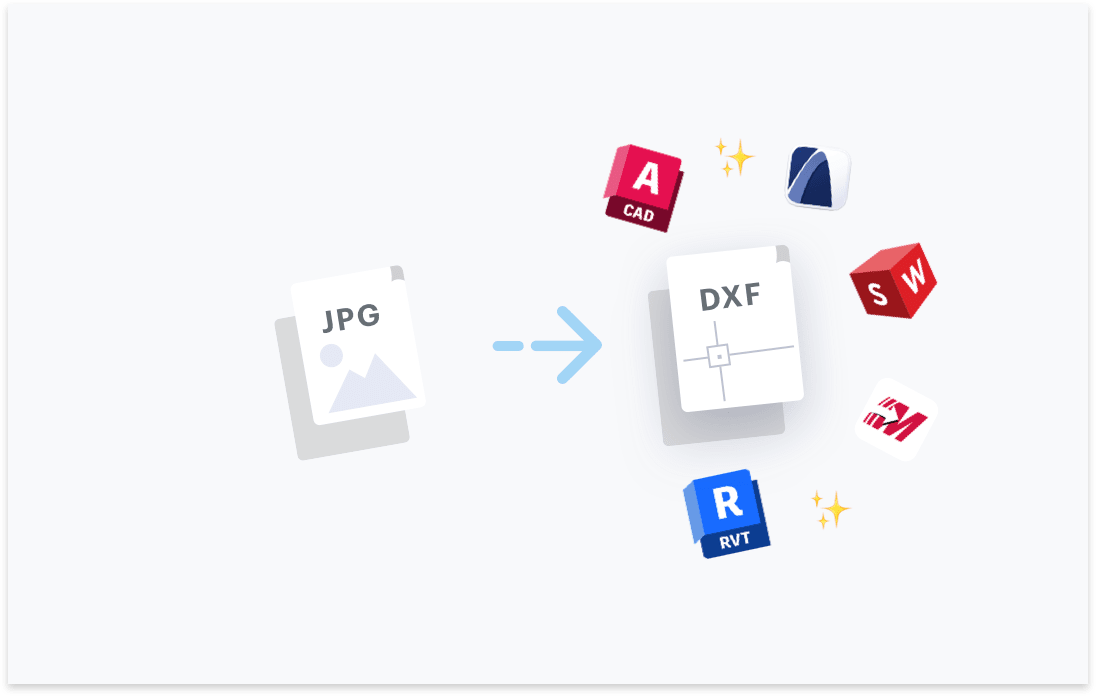
Transform your JPG files to DXF. Try free with Scan2CAD's free trial. Convert text and images in your JPG to fully editable DXF files, compatible with any CAD software.




Convert text in your images to text objects. Editable in your CAD software.

Layers in your PDF, DWG, DXF files will be maintained.
Elements in your image will be converted to their CAD object equivalent.

Ensure your converted DXF and DWG are perfectly to-scale.

“Scan2CAD offers a great way to speed up the process of converting raster images into vector images. The text recognition feature is quite powerful even managed to recognize some handwritten text! Even when I fed it deliberately awkward images, it produces some impressive results”
Rose Barfield - Bricsys / BricsCAD


Professional-grade conversion software that is specifically designed from the ground up to help users convert files to CAD file formats is the best way to convert JPG files to DXF files. Scan2CAD is an example of such software. It is better than free online file converters, as it gives you complete control over your files and data, and allows you to adjust settings to improve the quality of the converted drawing.
JPG's lossy compression method reduces the image definition and quality. As a result, some JPG to DXF conversions produce ‘noisy' vectors, with some vectors also not resembling the original lines. Additionally, the JPG format saves black and white images, such as architectural drawings, as greyscale images. This introduces blocky artifacts that affect the contrast between the white background and linework. But Scan2CAD's image-cleaning tools can help you solve some of the issues associated with the JPG format, producing usable vector linework.
Scan2CAD is a native file conversion software that lets you accurately convert JPG images to DXF. Available on both Windows and macOS, the software detects and converts linework and text to vectors that can be edited using CAD software. It also ships with features that let you clean the raster JPG, ensuring the conversion runs smoothly.
The JPG's compression method creates distorted lines with undefined, pixelated, ‘cloudy', or grainy edges. As a result, and if you do not use the advanced cleaning tools that ship with professional-grade conversion software such as Scan2CAD, the DXF output will feature disjointed linework or lines that do not resemble those in the original JPG image.
JPG images require more cleaning steps. This is because the file format uses the lossy compression method to reduce the file size when the image is saved. This reduction often comes at the expense of image quality, with the image having distorted lines or becoming overly pixelated and grainy.
JPG to DXF conversion is only reliable if done using professional-grade conversion software such as Scan2CAD. Such software includes features that help you clean up JPG images before conversion. Scan2CAD, for instance, lets you remove speckles and holes, smooth and thicken lines, and adjust the brightness and contrast.
You can extract both text annotations and layers using Scan2CAD. The software uses OCR to convert text in the JPG file to editable CAD text. This way, it ensures all notes, labels, comments, tags, and other forms of text in the raster JPG image are converted to editable CAD text. Scan2CAD also lets you extract layers; it creates layers for either the vector types or the vector color in your design.
JPG's compression artifacts refer to any noticeable distortion in the geometry of lines, arcs, and other aspects of the JPG image. They include bands/shadows around edges and blockiness, which cause the elements of a drawing to appear pixelated, blurry, or undefined. These artifacts are caused by the lossy compression method. These artifacts impede the conversion software's ability to detect lines and text in the JPG image. As a result, the converted DXF drawing is never an accurate representation of the original image.
Yes. Scan2CAD offers batch conversion, letting you automatically convert multiple JPG images to DXF. You can access this feature directly on the Scan2CAD interface or via the automation API. Do note that the batch processing tool for converting large volumes of JPGs to DXF using Scan2CAD is only available on the Business tier.
Yes. You may use Scan2CAD, which has a vectorization preset for contour maps. Scan2CAD offers tools such as Remove Speckles and Holes, Thicken Lines, Smooth, Brightness & Contrast, and Threshold (Black and White), which enable you to clean the JPG image prior to conversion.
Download Scan2CAD to convert your JPG files to DXF
Scan2CAD is copyright and a registered trademark of Avia Systems.
Headquartered in Worcester, United Kingdom. Registered in England & Wales, company no. 7557200.
More information: Legal Security Minimum Requirements