What are you converting?

Accurate conversion software used by leading companies






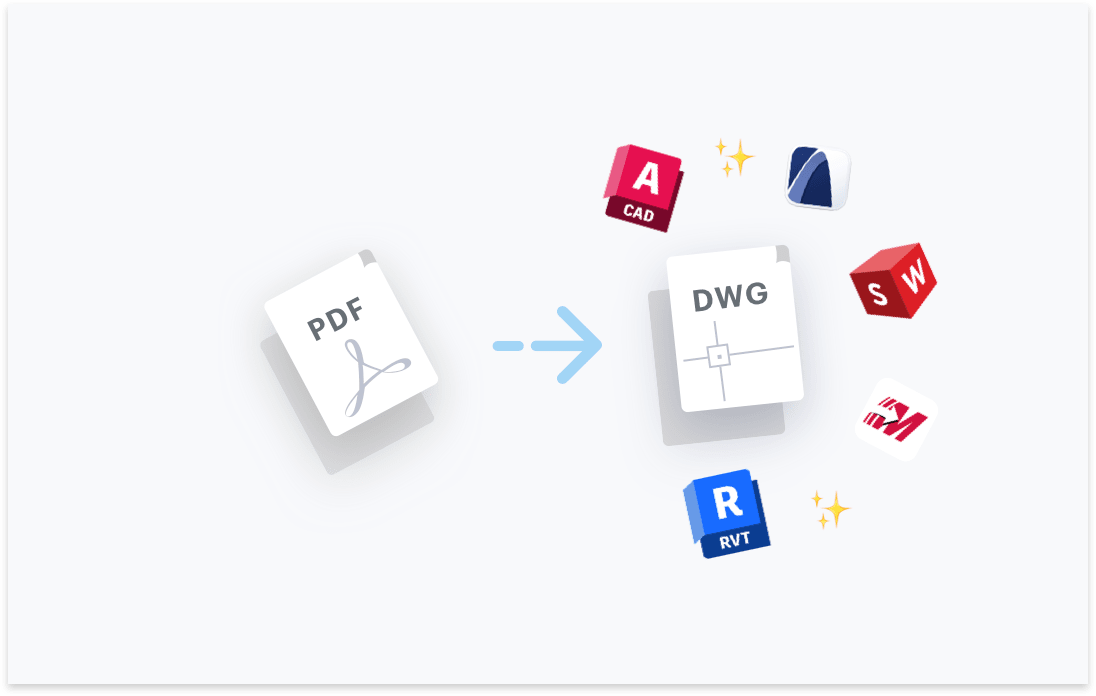
Transform your PDF files to DWG. Try free with Scan2CAD's free trial. Convert text and images in your PDF to fully editable DWG files, compatible with any CAD software.




Convert text in your images to text objects. Editable in your CAD software.

Layers in your PDF, DWG, DXF files will be maintained.

Elements in your image will be converted to their CAD object equivalent.

Ensure your converted DXF and DWG are perfectly to-scale.

“Scan2CAD offers a great way to speed up the process of converting raster images into vector images. The text recognition feature is quite powerful even managed to recognize some handwritten text! Even when I fed it deliberately awkward images, it produces some impressive results”
Rose Barfield - Bricsys / BricsCAD


To convert a PDF drawing into an editable DWG file for AutoCAD, you need software built for CAD-specific conversions.
Scan2CAD converts your PDF into a fully editable DWG file compatible with AutoCAD and other DWG-supporting CAD software.
The images, vectors, text and layers in your PDF will be preserved and converted to the CAD format so you may freely edit the complete DWG file in AutoCAD.
Yes, using a professional-grade converter like Scan2CAD preserves the layers, text, and dimensions of your original PDF.
Scan2CAD identifies the PDF layers and creates the equivalent CAD layers in your DWG file. The software will also use optical character recognition (OCR) to convert the text in you PDF to fully-editable CAD text strings
All dimensions and scaling are retained, with the option to adjust scale using Scan2CAD’s scaling tool before exporting to DWG.
You can convert your scanned (raster) PDF drawings to DWG files using Scan2CAD.
This is achieved using a process called 'vectorization' in which your raster images are converted to vector and added to your DWG file.
Bear in mind that not all vectorization software provide the same results.
Scan2CAD is professional-grade conversion software, designed for CAD. Scan2CAD uses 'object recognition' to convert the elements in your image to their proper CAD objects. For example lines in your PDF image become CAD line objects, arcs become CAD arc objects and so-on.
Furthermore Scan2CAD utilises OCR to convert text in your scanned drawing to fully-editable CAD text.
With Scan2CAD, there are no limits in the PDF file size or the number of PDF pages.
Basic online converters often have restrictions on file size and number of pages.
This is a good reason for why using a Windows or macOS application is preferred by professionals when converting PDF files to DWG.
Bear in mind that PDF files may be multi-page but DWG files are just one canvas. Therefore each page of your PDF is effectively a separate DWG file.
Yes, if you are converting a PDF with a large number of pages, you may utilise Scan2CAD's batch conversion feature which enables you to repeat the same conversion process on all the pages in your PDF in a single process.
Scan2CAD is a secure solution and your files are always kept private.
Scan2CAD is a Windows and macOS application with which you may convert your files without them ever leaving your computer, ensuring the highest level of security.
Furthermore, Scan2CAD offers the optional 'Enhanced' conversions which securely uploads your files to a secure server for conversion. Keeping your files private at all times. This is an optional feature which requires 'opt-in'.
Conversely, if you use a general online converter website you must share your files with a web-service to convert them. And great attention should be paid to their security and privacy policies.
Your DWG file will be fully compatible with all CAD software which support DWG files, including AutoCAD and all other AutoDesk products.
Scan2CAD is a standalone Windows and macOS application which does not require AutoCAD or any other software to be installed.
Scan2CAD offers native applications for both Windows and macOS. You can fine the minimum required version for both operating systems here.
Scan2CAD does not offer a Linux application.
Scan2CAD is available via a single subscription paid monthly or yearly. Of course you may cancel your subscription whenever you wish.
With Scan2CAD all your updates, upgrades and support are included in a single subscription. There are no hidden maintenance or upgrade fees.
Scan2CAD offers multiple licensing options to suit your licensing requirements. The Standard option licenses your computer of choice. The Network license allows you to share the license across a corporate network. This is often referred to as a 'floating network license'.
You may compare licensing options here.
Download Scan2CAD to convert your PDF files to DWG
Scan2CAD is copyright and a registered trademark of Avia Systems.
Headquartered in Worcester, United Kingdom. Registered in England & Wales, company no. 7557200.
More information: Legal Security Minimum Requirements