What are you converting?

Accurate conversion software used by leading companies






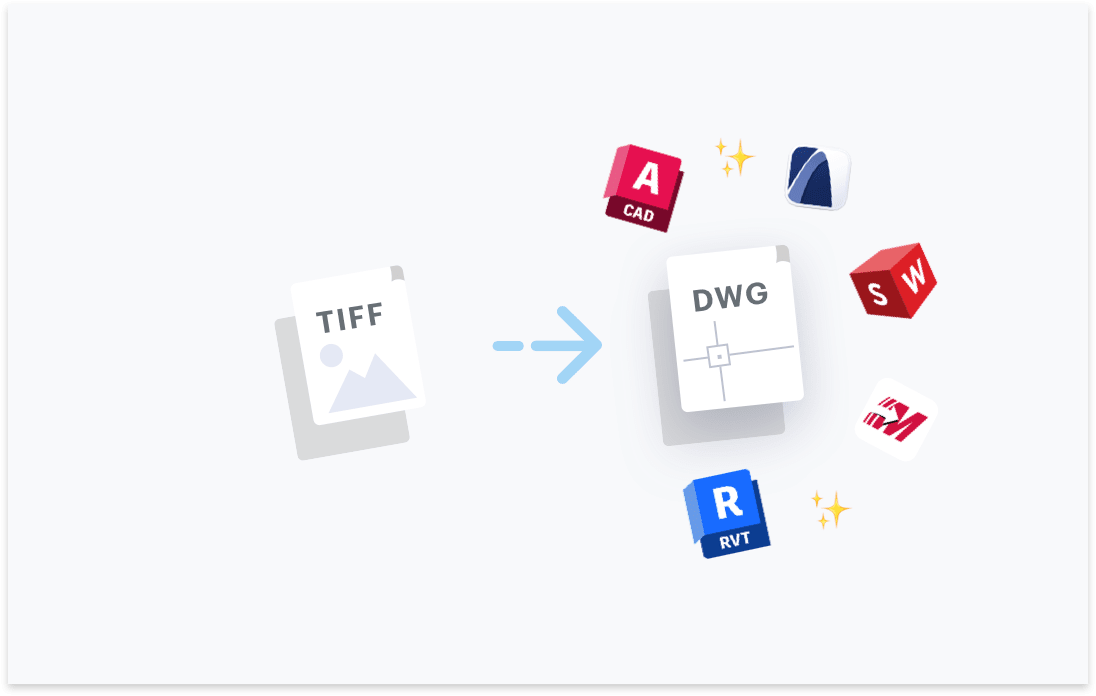
Transform your TIFF files to DWG. Try free with Scan2CAD's free trial. Convert text and images in your TIFF to fully editable DWG files, compatible with any CAD software.




Convert text in your images to text objects. Editable in your CAD software.

Layers in your PDF, DWG, DXF files will be maintained.

Elements in your image will be converted to their CAD object equivalent.

Ensure your converted DXF and DWG are perfectly to-scale.

“Scan2CAD offers a great way to speed up the process of converting raster images into vector images. The text recognition feature is quite powerful even managed to recognize some handwritten text! Even when I fed it deliberately awkward images, it produces some impressive results”
Rose Barfield - Bricsys / BricsCAD


Professional-grade conversion software that is developed to be natively installed on your computer is the preferred method for converting a TIFF file to a DWG format. Scan2CAD is one example of such software. It utilizes your computer's processing power to complete the conversion, gives you autonomy over the vectorization process, is more accurate than online converters, and offers unmatched security over the data contained in the TIFF images.
Yes. We recommend using TIFF to save your scanned drawings. This is because the TIFF file format typically uses lossless compression that retains the quality and high-level details of the drawing. This high-quality attribute makes it easy to convert TIFF images into editable DWG files and creates the best possible vector file.
Yes. With Scan2CAD, you can retain both layer and scale information. By default, Scan2CAD uses a scale factor of 1:1, which creates a vector drawing whose scale is similar to the original drawing stored in the TIFF format. You may edit the scaling with Scan2CAD. Additionally, Scan2CAD creates layers by vector color or vector type, aligning with common design practices. Doing so ensures the DWG features layers.
Scan2CAD offers reliable and easy-to-use tools for automating the conversion of TIFF images to the DWG file format. Its batch conversion tools let you automatically convert a large volume of TIFF files, one after the other. Additionally, its Python API allows you to automate all of Scan2CAD's capabilities, including scaling, image cleaning, and vectorization.
Yes. Scan2CAD's batch conversion tool lets you convert multiple TIFF files in a designated 'input' folder. To access the feature, click Convert and choose Batch Convert to open the Batch Conversion dialog box. You then have to designate the 'input' and 'output' folders, choose TIFF as the input format and DWG as the output, set the vectorization option and preferred preset, and toggle the appropriate image-cleaning settings.
There are a few limitations to consider when vectorizing raster images like TIFF. Firstly, TIFF files can be much larger in size than other raster formats. And with some converters imposing a maximum limit on the file size you can upload, this becomes problematic. Scan2CAD implements no file size limits. Secondly, their quality is dependent on the resolution; zooming in, therefore, compromises the resolution.
Scan2CAD enables you to convert black and white TIFF images to the DWG format. The TIFF format's lossless compression method retains the quality, definition, and clarity of linework. The conversion software is, therefore, able to correctly detect the geometry of the lines and convert it accurately. The result is vector linework that almost always resembles that of the original image.
Scan2CAD runs OCR to scan the TIFF image for text and subsequently convert it to editable vector text strings. This OCR feature typically recognizes most, if not all, text in high-quality TIFF images, allowing the software to vectorize them accurately. You may optimize the feature by tweaking OCR settings such as the maximum character size, minimum recognition confidence level, character rotation, and more.
High-quality TIFF images typically have a large file size. Yet online TIFF to DWG converters usually have a cap on the maximum file size you can upload, especially when using their free tier. This cap varies from one converter to another, but they often try to upsell customers on costlier packages that support larger files. For their part, native professional-grade converters like Scan2CAD do not have such a limitation.
While manual cleanup after conversion may not always be necessary given the vectorization capabilities of Scan2CAD, some drawings do require cleanup. This is especially so if the quality of the original TIFF image was not that great. You may also need to manually clean up some vectors if the conversion software failed to detect their respective types correctly.
Download Scan2CAD to convert your TIFF files to DWG
Scan2CAD is copyright and a registered trademark of Avia Systems.
Headquartered in Worcester, United Kingdom. Registered in England & Wales, company no. 7557200.
More information: Legal Security Minimum Requirements